WordPress Management, Without the Busywork
Siteligent brings WordPress updates, backups, uptime monitoring, security, performance, reporting, collaboration, and AI-powered insights together in one platform, so you can spend less time jumping between dashboards and more time getting work done.
Backups Built for Peace of Mind.
Protect your WordPress sites with reliable backups, fast recovery, and flexible migration tools.
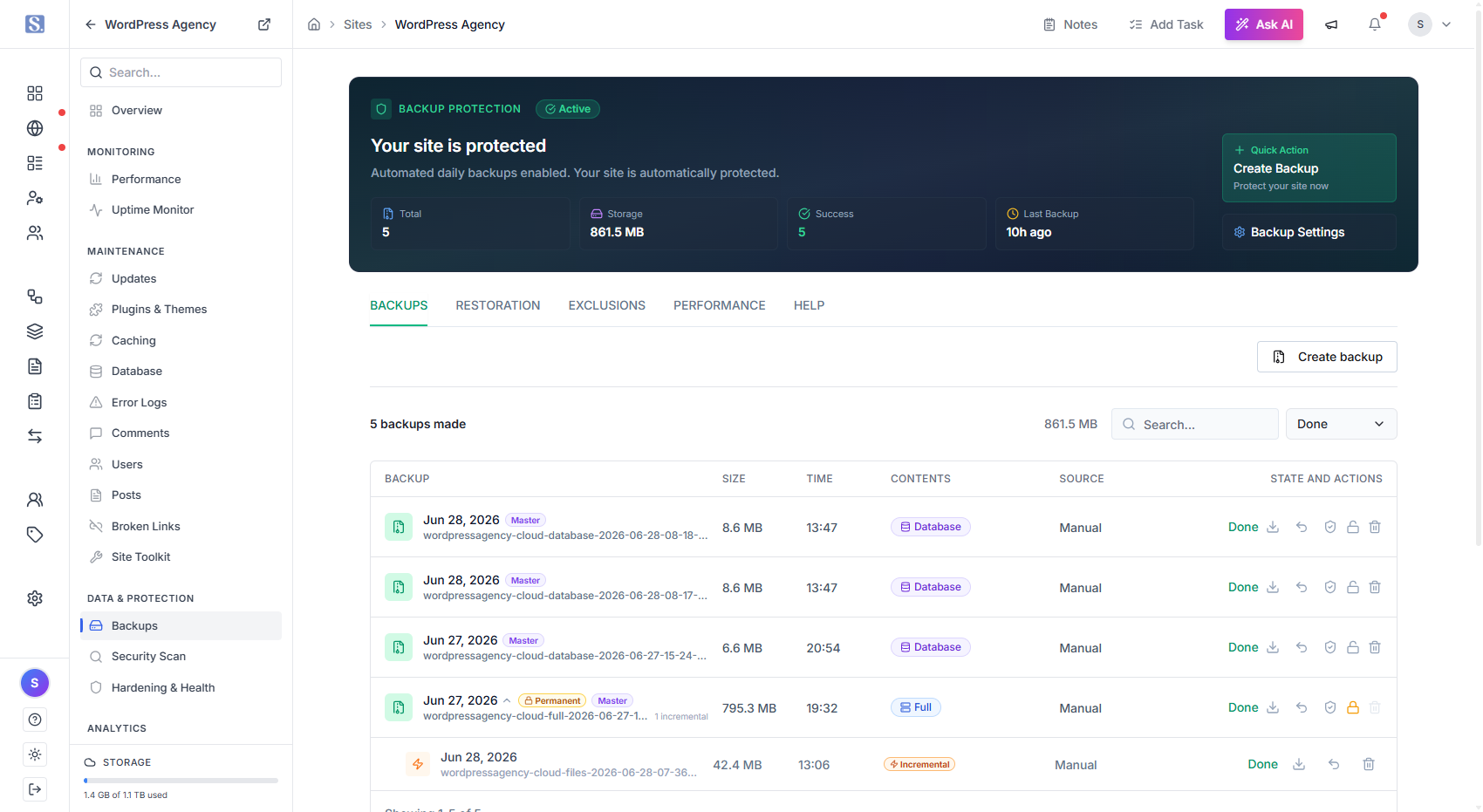
Backup & Recovery
Protect every site. Recover when it matters.
From automated backups to quick restores and seamless migrations, Siteligent gives you one reliable place to protect and recover every WordPress site you manage. Schedule backups around your workflow and always have a recovery point ready when something goes wrong.
Free trial
Premium support
Featured Use Cases.
Where Data Becomes Advantage
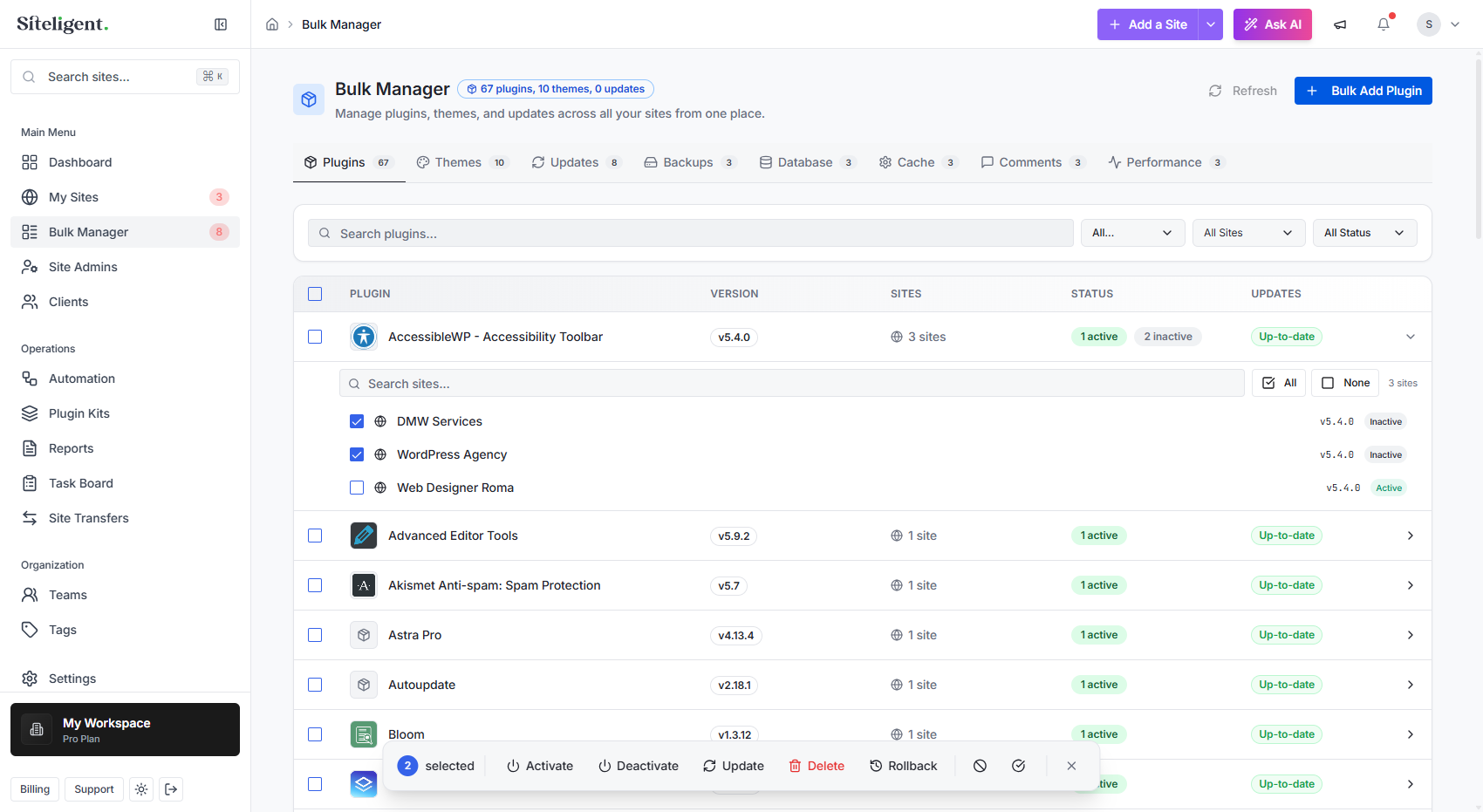
Repetitive WordPress maintenance becomes expensive when you're managing multiple websites. With Bulk Manager, you can manage plugins, themes, and WordPress updates across your sites from one place. Review what's available, choose where you want to make changes, and handle routine maintenance without visiting each website individually.
One task. Multiple sites. Less busywork.
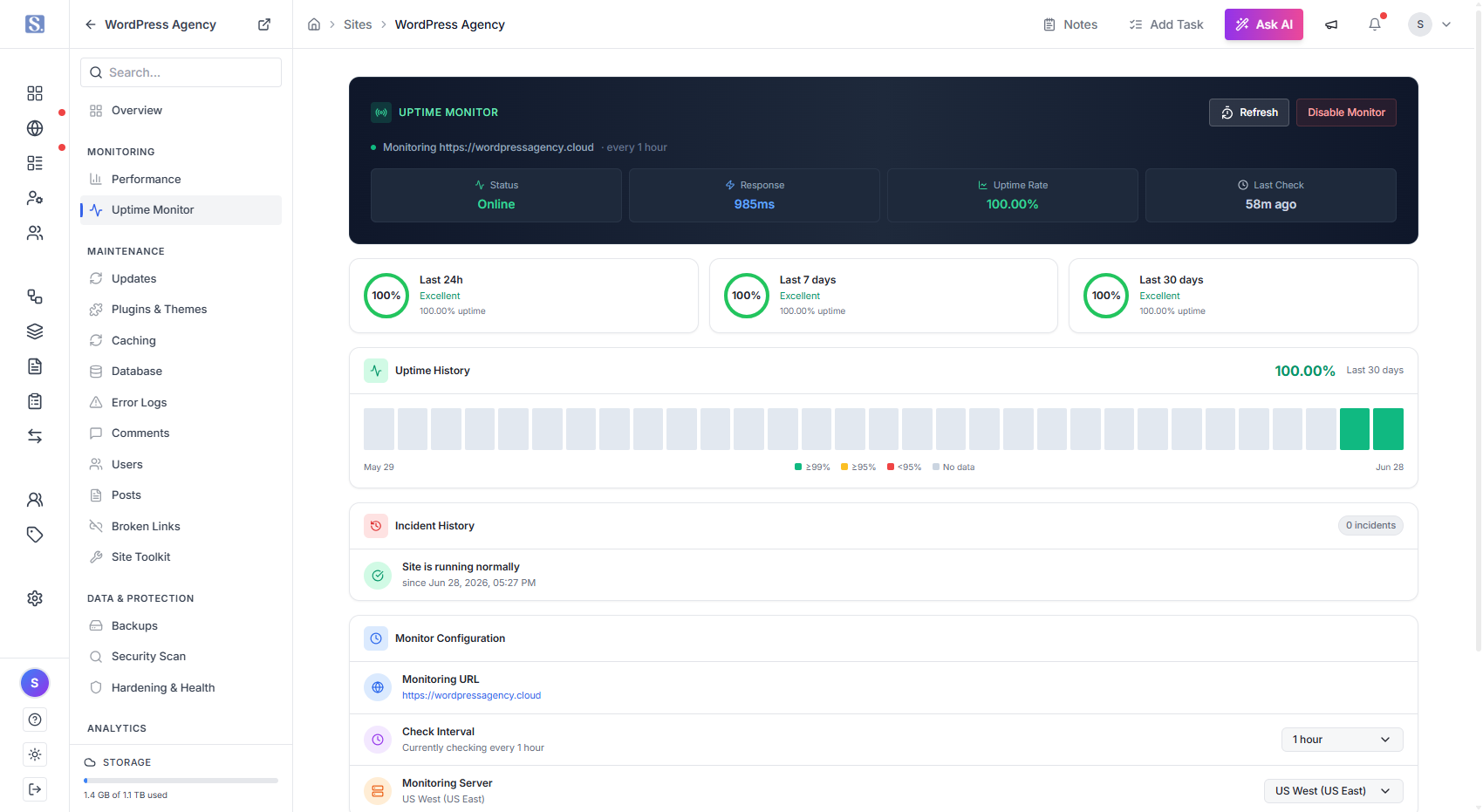
A broken website can mean lost visitors, leads, and sales. Siteligent keeps an eye on your websites around the clock so you don't have to.
Monitor uptime, response times, and website availability, then get notified when something needs your attention.
Choose the monitoring interval that fits your plan and stay informed before a client has to tell you their website is down.
Your websites stay monitored. Your team stays informed.
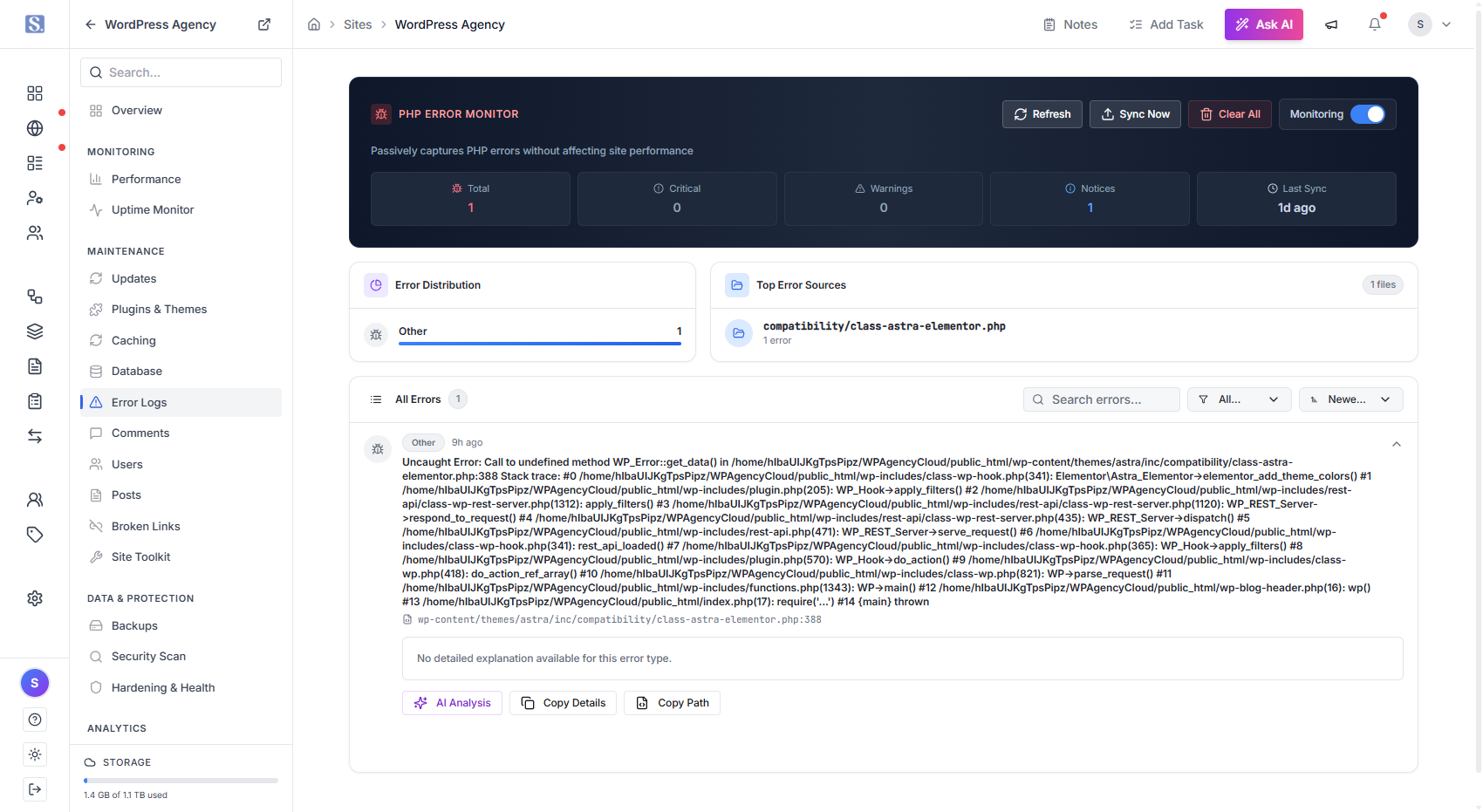
Not every website problem is visible from the outside.
Siteligent helps you monitor PHP errors and other important site signals so you can spot issues that may affect functionality before they turn into bigger problems.
See where errors are happening, understand which sites need attention, and give your team a clearer starting point for troubleshooting.
Catch the warning before it becomes the outage.
Reports That Look Like They Came From You
Create professional website reports, automate delivery, and build custom templates that match your agency. Send reports from your own email, remove Siteligent branding, and give clients a fully white-labeled experience.
Custom Report Templates
Automated Client Reports
Your Brand, Everywhere
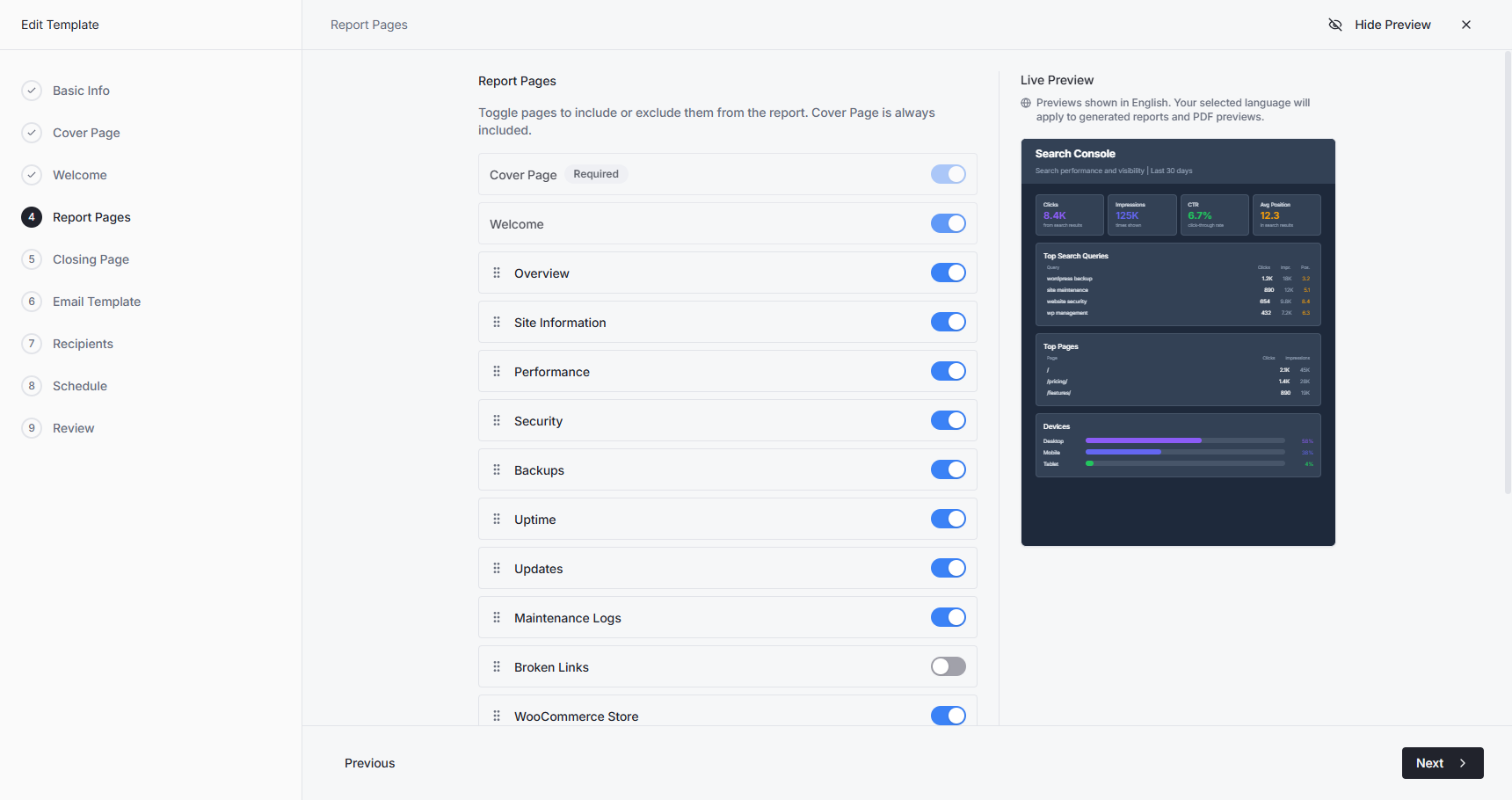
Give clients a better reporting experience
Turn your website reports into a professional client-facing experience. Build custom templates, choose exactly what clients see, automate delivery, and keep your agency at the center of every interaction.
You shouldn't have to keep the Siteligent dashboard open all day.
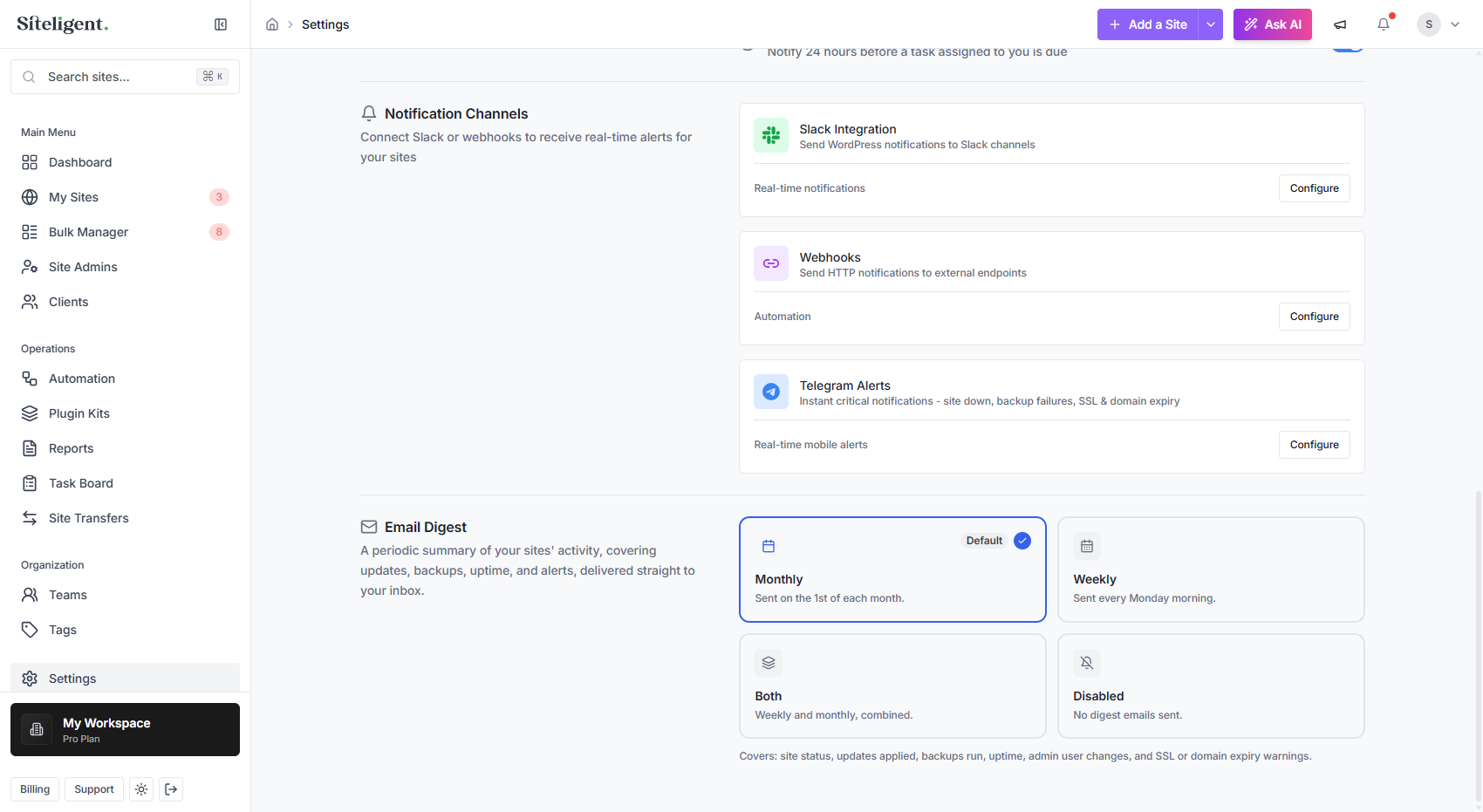
Send important website alerts directly to the channels your team already uses, including email, Slack, and Telegram.
Whether it's downtime, backup failures, errors, or other important events, Siteligent helps make sure the right people know when something needs attention.
The right alert. The right people. The right time.
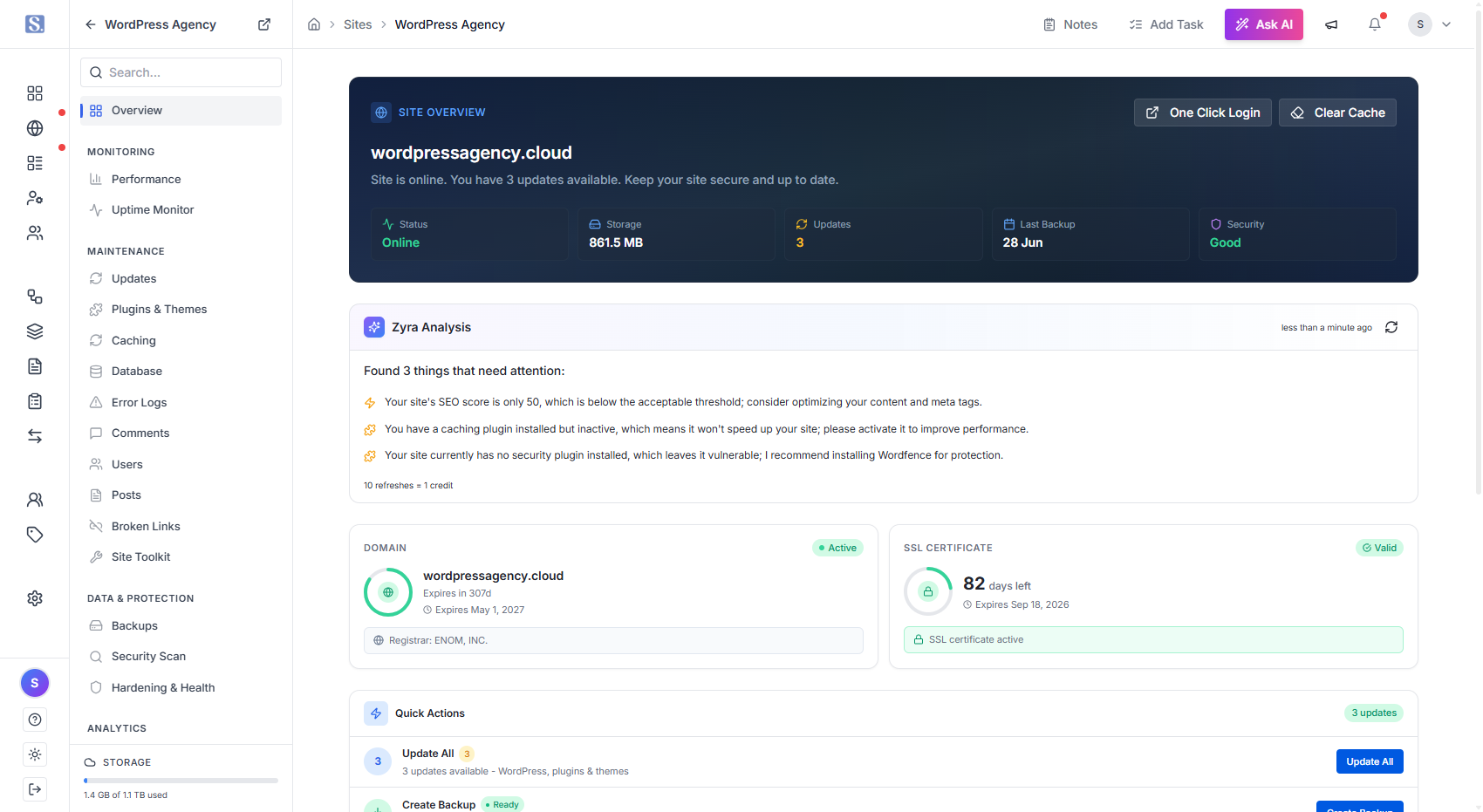
Outdated WordPress core, plugins, and themes can create security and compatibility risks. But manually checking every website takes time.
Siteligent brings WordPress updates into one central workflow, helping you keep your sites current without repeatedly logging into individual dashboards.
Automate routine updates or manage them manually when you want more control.
Less maintenance. Fewer dashboards.
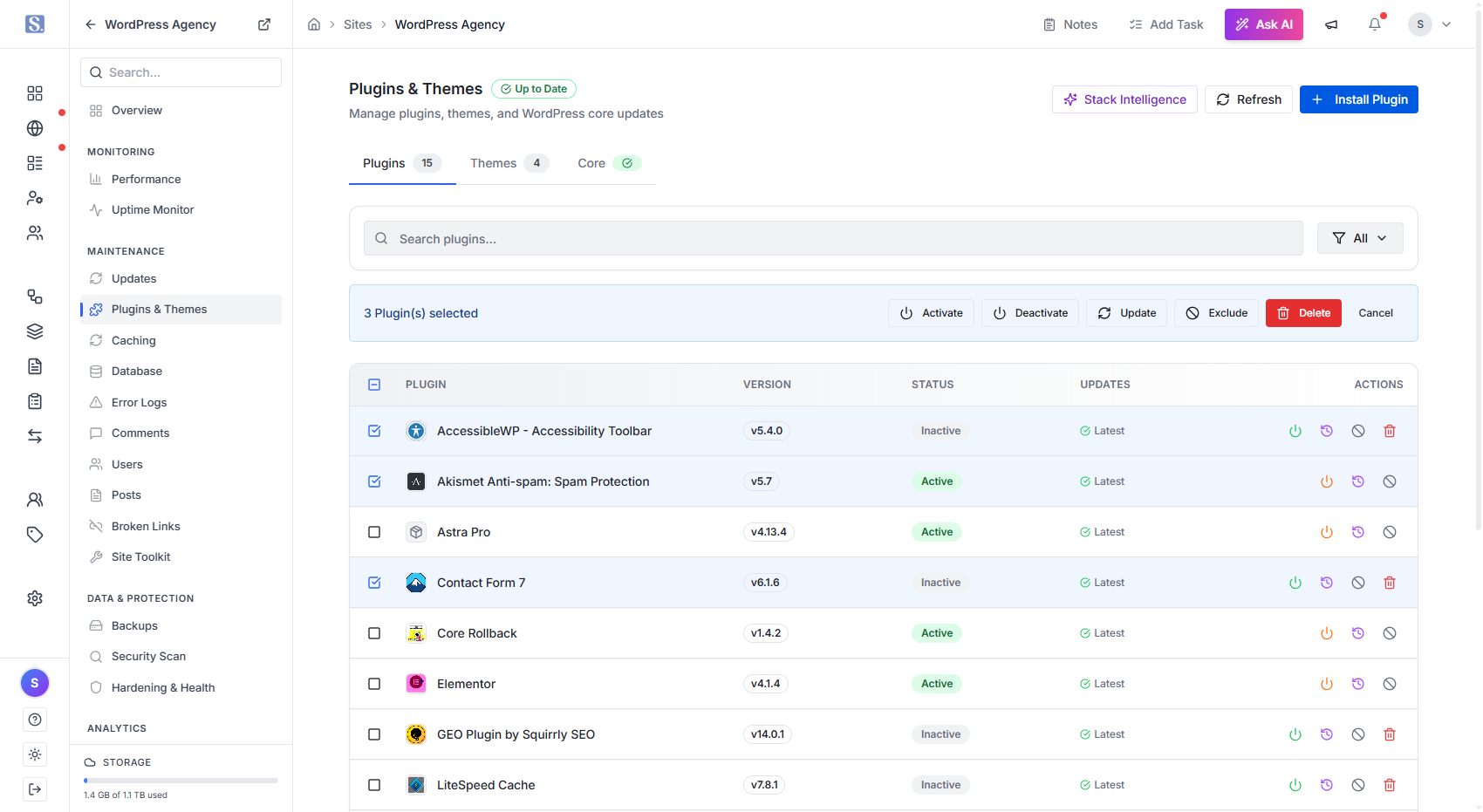
Updates shouldn't be a gamble.
Siteligent adds an extra layer of protection around your WordPress update workflow. Back up your site before important changes, perform updates safely, and use visual checks to help identify unexpected changes after an update.
When something doesn't look right, you have a safer path to investigate and recover.
Automate updates without giving up control.
Security issues can spread quickly across a WordPress portfolio when they're left unnoticed.
Siteligent helps you keep track of vulnerabilities, risky plugins and themes, PHP versions, and other security signals across your websites.
See which sites need attention and give your team the information they need to act.
Know what's vulnerable before it becomes a bigger problem.
Automation can handle a lot. But sometimes a WordPress website needs an experienced human.
Siteligent includes access to support for troubleshooting, malware removal, website issues, and other problems that can't simply be solved with a button.
You get the efficiency of software with a team behind it when you need a human touch.
Automation handles the routine. People handle the complicated.
Keep Every Website Running at Its Best
Stay ahead of issues that can slow down, break, or hurt your websites. Siteligent continuously checks the areas that matter, so you can spot problems early and keep every site healthy.
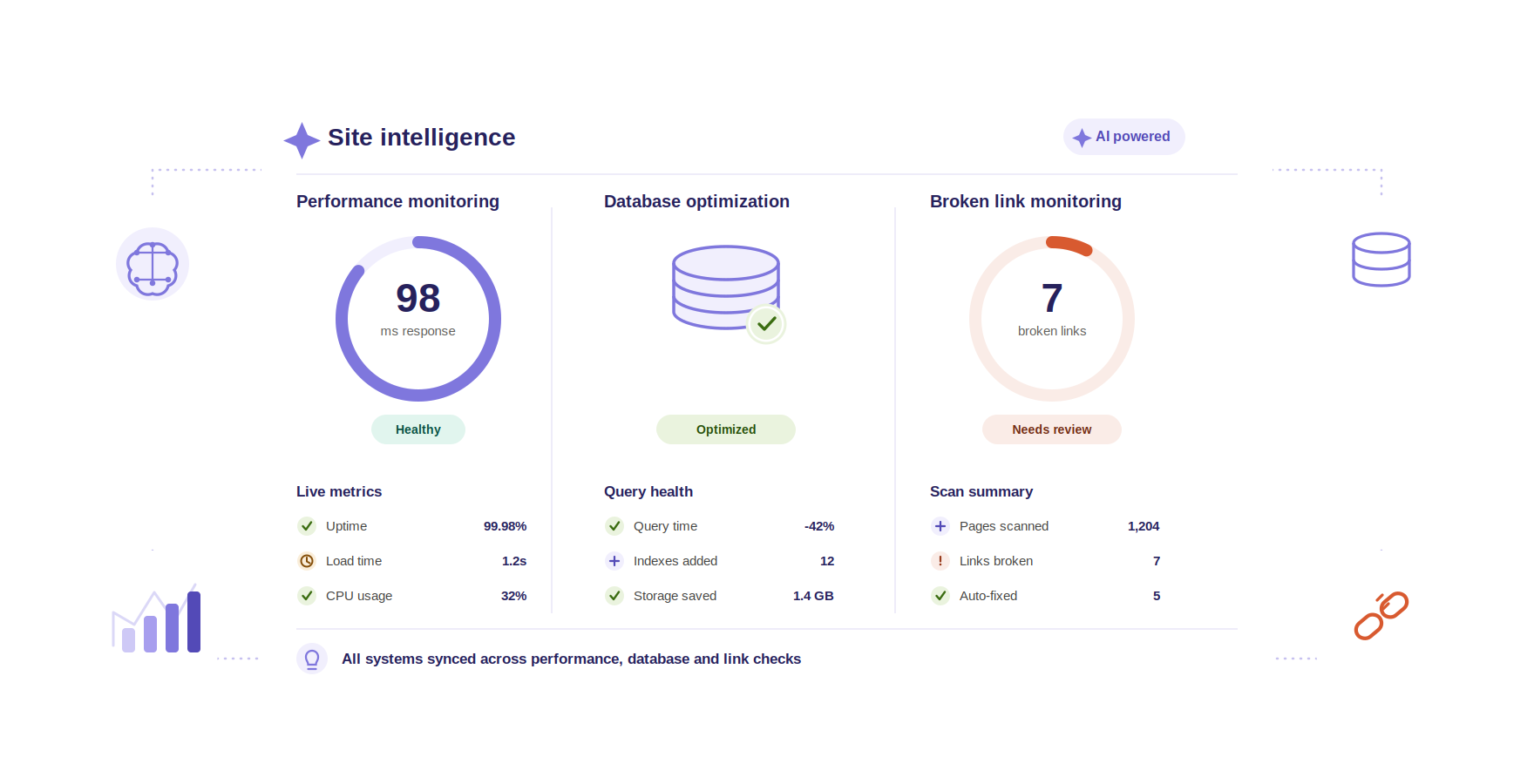
A website can be online and still be too slow. Siteligent brings performance information into your WordPress management workflow, helping you keep an eye on loading speed, Core Web Vitals, response times, and other performance signals. See which websites need attention and where performance can be improved.
Find slow sites before your clients do.
WordPress databases can accumulate unnecessary data over time, affecting performance and making websites harder to maintain. Siteligent helps you identify database optimization opportunities so your team can keep websites cleaner, healthier, and running efficiently.
Less database clutter. Better site health.
Broken links create a poor user experience and can hurt the quality of your website. Siteligent helps scan your websites for broken links so you can find problems quickly and fix them before they become another client complaint.
Keep every important link working.
Analytics & Insights
Bring your website data together in one place and turn traffic, engagement, conversions, and other signals into clear, actionable insights. See what’s working, what’s changing, and where each website has room to grow.
Google Analytics
Search Console
WooCommerce Analytics
AI Insights
Integrations Hub